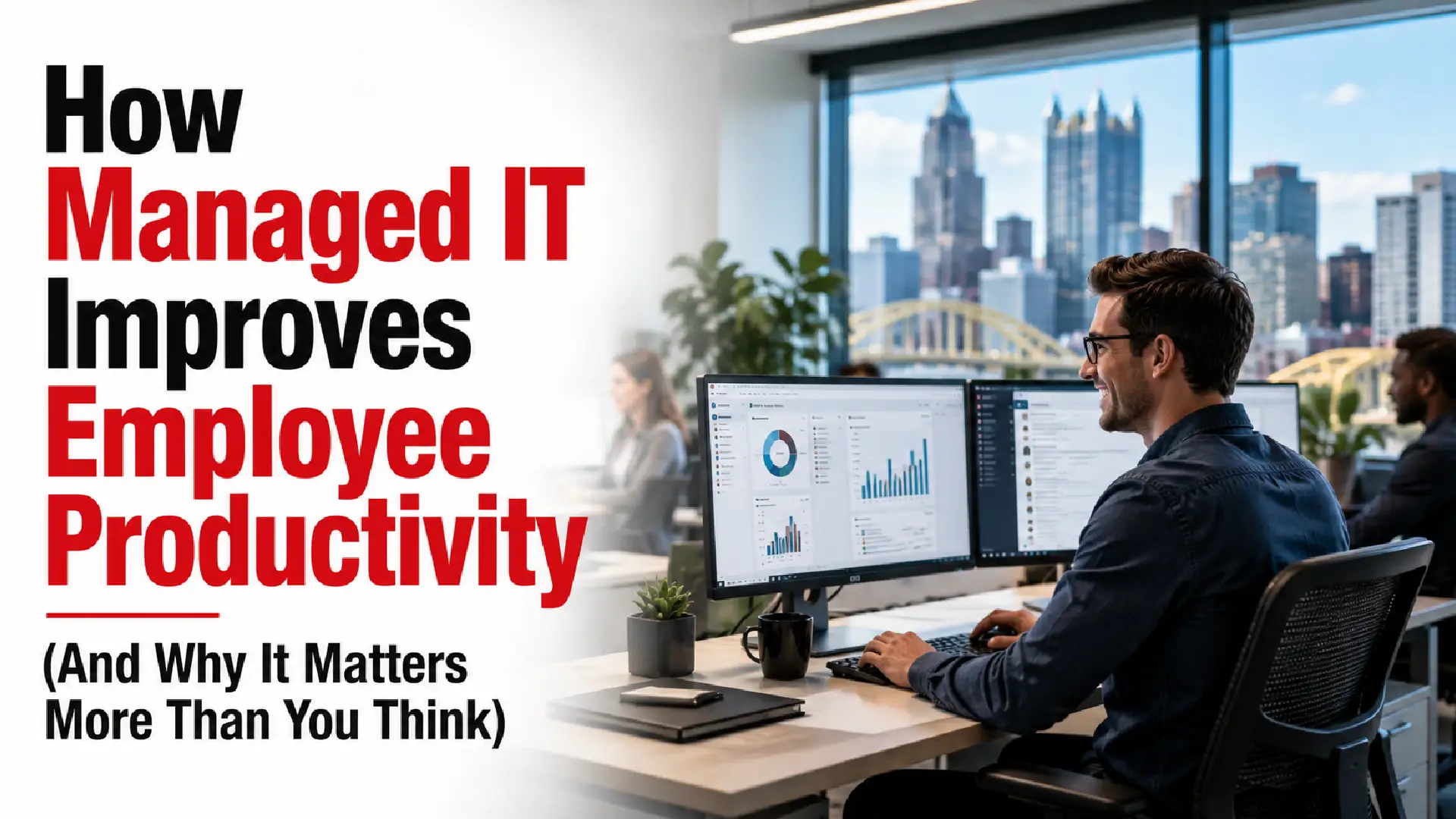
When businesses think about improving productivity, the conversation usually turns to hiring, training, automation, or better processes.
Technology often gets overlooked.
But in many organizations, employees lose more productive time to technology issues than leaders realize.
A slow laptop here. A forgotten password there. Video meetings that fail. Applications that lag. Systems that unexpectedly go offline.
None of these problems seem large on their own.
Together, they quietly reduce output across the business.
Managed IT services are often discussed in terms of security, infrastructure, and support, but one of their biggest business outcomes is employee productivity.
This article explains how managed IT helps teams work faster, spend less time dealing with technical issues, and stay focused on meaningful work.
Productivity Problems Usually Start Smaller Than Businesses Expect
Productivity rarely disappears because of one major outage.
It is usually lost through dozens of small interruptions.
Examples include:
- Waiting for IT responses
- Slow computers
- Login issues
- Unstable internet
- Application crashes
- Device replacement delays
- File access issues
- Communication breakdowns
Employees adapt to these issues.
That does not mean the business should.
Organizations experiencing recurring operational slowdowns should also understand the cost of IT downtime for small businesses and how technology interruptions quietly reduce productivity.
What Is Managed IT?
Managed IT services provide ongoing support, monitoring, maintenance, and optimization of business technology.
Rather than waiting for issues to interrupt employees, managed IT teams work proactively to keep systems stable and available.
This often includes:
- Help desk support
- Monitoring
- Device management
- Cloud administration
- Security management
- Backup and recovery
- Strategic planning
The result is not just fewer technical issues.
It is more uninterrupted work.
Businesses unfamiliar with proactive support models can also explore what managed IT services include to better understand the operational and support services typically provided.
1. Employees Spend Less Time Waiting for Support
One of the fastest productivity improvements comes from reducing support delays.
Without structured support, employees may:
- Wait hours for responses
- Interrupt coworkers for help
- Delay customer work
- Create workarounds
Managed IT environments typically introduce:
- Centralized ticketing
- Defined response times
- Remote support
- Escalation processes
Employees spend less time trying to fix technology and more time doing their actual jobs.
2. Proactive Monitoring Reduces Unexpected Interruptions
Many productivity losses happen before employees even report problems.
Examples:
- Servers approaching capacity
- Network instability
- Device failures
- Application performance issues
Managed IT uses monitoring tools to identify issues early.
Instead of: Issue → outage → repair
The workflow becomes: Monitor → alert → resolve → continue working
Small improvements repeated daily create measurable business impact.
3. Faster Devices and Better System Performance
Employees interact with technology all day.
Slow systems create invisible costs.
Managed IT teams typically improve:
- Device health
- Software updates
- Storage management
- Operating system performance
- Resource allocation
- Hardware lifecycle planning
The goal is reducing friction.
Saving even a few minutes per employee each day adds up quickly across teams.
4. Better Collaboration Across Teams
Modern businesses depend on collaboration tools.
Common productivity blockers include:
- Shared file confusion
- Access issues
- Communication delays
- Duplicate work
- Meeting disruptions
Managed IT often supports environments such as:
- Microsoft 365
- Teams
- SharePoint
- Cloud storage
- User permissions
- Collaboration workflows
When systems work consistently, employees collaborate more efficiently.
Businesses modernizing cloud collaboration can also review how to migrate to Microsoft 365 without downtime to avoid productivity disruptions during transitions.
5. Employees Experience Fewer Security Interruptions
Security controls should support work, not constantly interrupt it.
Poorly implemented security often creates:
- Login frustration
- Access delays
- Repeated approvals
- Blocked applications
Managed IT teams help balance:
Security + usability
Examples include:
- Single sign-on
- Multi-factor authentication
- Device policies
- Identity management
Employees stay secure without unnecessary disruption.
6. Remote and Hybrid Work Become Easier to Support
Work is no longer limited to one office.
Employees may work from:
- Home
- Branch locations
- Client sites
- Shared workspaces
Managed IT helps maintain consistency across environments.
Support often includes:
- Remote device management
- Secure connectivity
- Cloud administration
- Collaboration tools
- Endpoint security
Employees receive a more consistent experience regardless of location.
7. Managers Spend Less Time Solving Technical Issues
Productivity losses affect leadership too.
Managers frequently become unofficial support coordinators.
Examples:
- Escalating issues
- Following up on tickets
- Helping employees troubleshoot
- Managing downtime communication
Reliable IT operations reduce managerial overhead.
Leadership can stay focused on business outcomes.
8. Technology Decisions Become More Strategic
When teams are overwhelmed by daily support requests, long-term improvements stall.
Managed IT creates space for:
- Process improvements
- System upgrades
- Automation
- Infrastructure planning
- Cloud optimization
Productivity gains become sustainable instead of temporary.
Organizations evaluating different operational support structures can also compare the co-managed vs fully managed IT model to determine which approach best fits their internal resources and business goals.
Measuring Productivity Improvements from Managed IT
Businesses often underestimate technology impact because productivity is not tracked directly.
Useful indicators include:
- Average ticket resolution time
- Employee satisfaction
- Downtime frequency
- Time spent on recurring issues
- Device replacement cycles
- Application performance
- Project completion speed
Small operational improvements can produce meaningful business results over time.
Does Managed IT Replace Internal Teams?
Not necessarily.
Many organizations use managed IT to support internal teams.
Internal IT may focus on:
- Business systems
- Internal priorities
- Strategic projects
Managed support often handles:
- Monitoring
- End user support
- Infrastructure
- Specialized expertise
The combination can improve productivity without increasing internal workload.
Businesses experiencing operational strain as they grow may also recognize several signs they have outgrown internal IT, especially when support demand begins affecting employee efficiency.
Final Thoughts
Technology should help employees move faster, not become another job they need to manage.
When support is slow, systems fail frequently, and employees spend time solving technical problems, productivity suffers quietly across the organization.
Managed IT improves productivity by reducing interruptions, supporting employees quickly, maintaining systems proactively, and creating more reliable technology experiences.
The outcome is not simply better IT.
It is more time spent doing valuable work.
Frequently Asked Questions
How does managed IT increase productivity?
Managed IT reduces downtime, improves support response times, optimizes devices, and prevents interruptions that slow employees down.
Does faster IT support really impact business performance?
Yes. Small delays across many employees accumulate into significant productivity loss over time.
Can managed IT help remote employees?
Yes. Managed IT commonly supports remote devices, cloud tools, collaboration platforms, and secure access.
Does managed IT improve employee experience?
Reliable systems and faster issue resolution often reduce frustration and improve day-to-day work.
How can businesses measure IT productivity improvements?
Track support response times, downtime frequency, employee satisfaction, and operational efficiency metrics.