For many businesses, moving to Microsoft 365 sounds simple.
Move email.
Move files.
Create accounts.
Continue working.
In reality, migration projects become stressful when planning starts too late.
Employees worry about losing emails.
Leadership worries about downtime.
Operations worry about disruption.
And IT teams worry about what happens if something fails halfway through.
The good news is that most migration issues are preventable.
Successful Microsoft 365 migration is usually less about technology and more about preparation, sequencing, and reducing business interruption.
This guide explains how businesses can approach migration with less risk and smoother adoption.
What Does Microsoft 365 Migration Actually Mean?
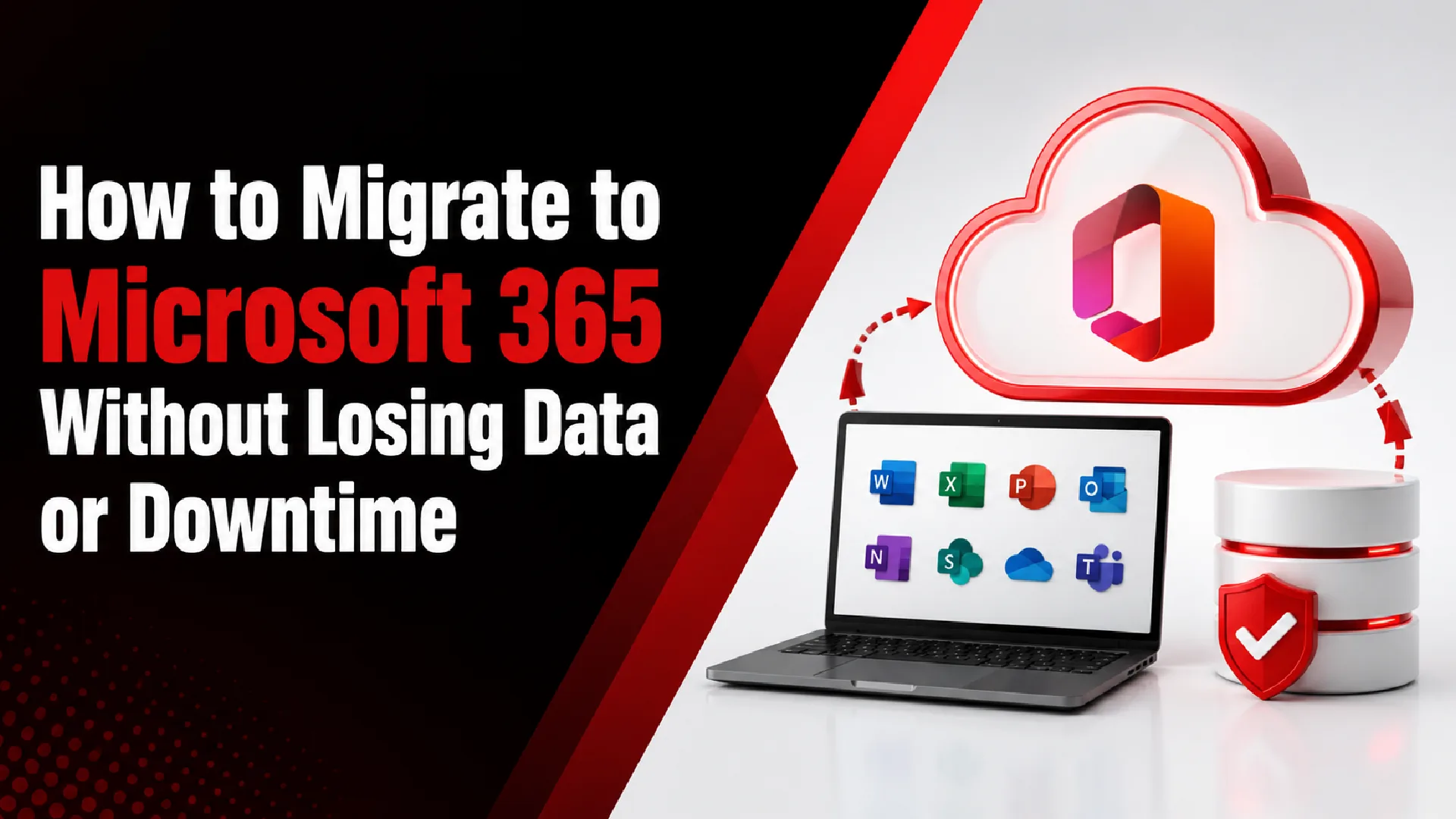
Microsoft 365 migration usually means moving business workloads into Microsoft’s cloud environment.
Depending on the environment, migration may include:
- Calendars
- Contacts
- Files
- Teams collaboration
- SharePoint
- OneDrive
- User accounts
- Permissions
- Device integration
Every business starts from a different place.
Examples:
- On-premise Exchange
- Google Workspace
- Hosted email
- File servers
- Mixed environments
Migration scope changes accordingly.
To understand the broader service ecosystem that supports this process, businesses often rely on structured support such as managed IT services
Why Businesses Move to Microsoft 365
Migration decisions are rarely about email alone.
Businesses often migrate to improve:
- collaboration
- flexibility
- remote access
- centralized administration
- productivity
- standardization
- scalability
Microsoft 365 also reduces dependence on local infrastructure.
For cloud-based productivity environments, businesses commonly adopt Microsoft 365 cloud services
Step 1 — Define What Success Looks Like
Before moving anything, define goals.
Questions:
- What problem are we solving?
- What systems are moving?
- What must remain unchanged?
- What downtime is acceptable?
- Who approves decisions?
Success should be measurable.
Examples:
Good: “All employees operating normally Monday morning.”
Weak:“Move everything eventually.”
Step 2 — Audit the Current Environment
This step gets skipped too often.
Review:
Users
- employee count
- permissions
- inactive accounts
- mailbox sizes
- aliases
- shared mailboxes
Files
- storage usage
- ownership
- permissions
Devices
- compatibility
- management readiness
Migration quality depends heavily on preparation.
Step 3 — Clean Before Moving
Migration is a good opportunity to simplify.
Review:
- unused accounts
- duplicate files
- outdated permissions
- inactive groups
- old shared folders
Do not migrate complexity automatically.
Step 4 — Choose the Right Migration Approach
Common approaches include:
Cutover Migration
Move everyone together.
Works well for:
- smaller environments
- simpler transitions
Advantages:
- simpler timeline
Tradeoff:
- higher transition pressure
Staged Migration
Move groups gradually.
Works well for:
- larger businesses
- lower disruption goals
Advantages:
- easier support
Tradeoff:
- more coordination
Hybrid Migration
Temporary coexistence.
Works well for:
- complex environments
- phased modernization
Advantages:
- flexibility
Tradeoff:
- additional management
Step 5 — Prepare Identity and Access
Identity problems create major frustration.
Review:
- usernames
- permissions
- MFA
- groups
- access policies
Questions:
- Who needs what?
- What should change?
Access planning reduces confusion.
Businesses often strengthen this layer using cybersecurity for small businesses guide
Step 6 — Migrate Email Carefully
Email receives the most attention because employees notice immediately.
Review:
- mailbox migration
- forwarding
- signatures
- mobile setup
- shared mailboxes
Testing matters.
Do not assume email behaves exactly the same.
Step 7 — Move Files with Structure
File migration should protect usability.
Review:
- folder ownership
- permissions
- version history
- duplicate content
Questions:
- Who needs access?
- What should become SharePoint?
- What belongs in OneDrive?
Step 8 — Strengthen Security During Migration
Migration is also a modernization opportunity.
Review:
- MFA
- device controls
- conditional access
- password policies
- backup strategy
Security should improve during migration, not after.
For organizations running structured IT environments, these improvements are often part of ongoing support like managed IT services overview
Step 9 — Train Employees Before Launch
Most migration problems are adoption problems.
Employees should understand:
- login changes
- file locations
- Teams
- OneDrive
- support process
Communication reduces resistance.
Step 10 — Validate Before Declaring Success
Before closing migration:
Review:
- mail delivery
- file access
- permissions
- devices
- collaboration tools
Success means employees can work normally.
Common Microsoft 365 Migration Mistakes
Avoid:
- migrating everything
- skipping cleanup
- ignoring permissions
- launching without training
- postponing security
Small decisions affect adoption.
How Long Does Migration Usually Take?
Typical ranges:
Small business:
1–2 weeks
Mid-sized business:
2–8 weeks
Complex environments:
phased rollout
Timelines vary by scope.
Signs Your Business Is Ready for Migration
You may be ready if:
- collaboration feels fragmented
- infrastructure is aging
- remote work increased
- support overhead is growing
- employees use multiple disconnected tools
Final Thoughts
Microsoft 365 migration should not feel like a risky technology event.
Good migrations reduce friction, simplify operations, improve collaboration, and help employees adapt without losing productivity.
The businesses that migrate successfully usually do one thing well:
They prepare more than they move.
Frequently Asked Questions
Can Microsoft 365 migration happen without downtime?
Most migrations aim to minimize disruption through planning and phased approaches.
Will employees lose email history?
Not if migration planning and validation are handled properly.
Should businesses move files and email together?
Not always. Many environments benefit from phased migration.
Is Microsoft 365 migration only for large businesses?
No. Businesses of many sizes migrate.
What is the biggest migration mistake?
Starting migration before understanding the current environment.